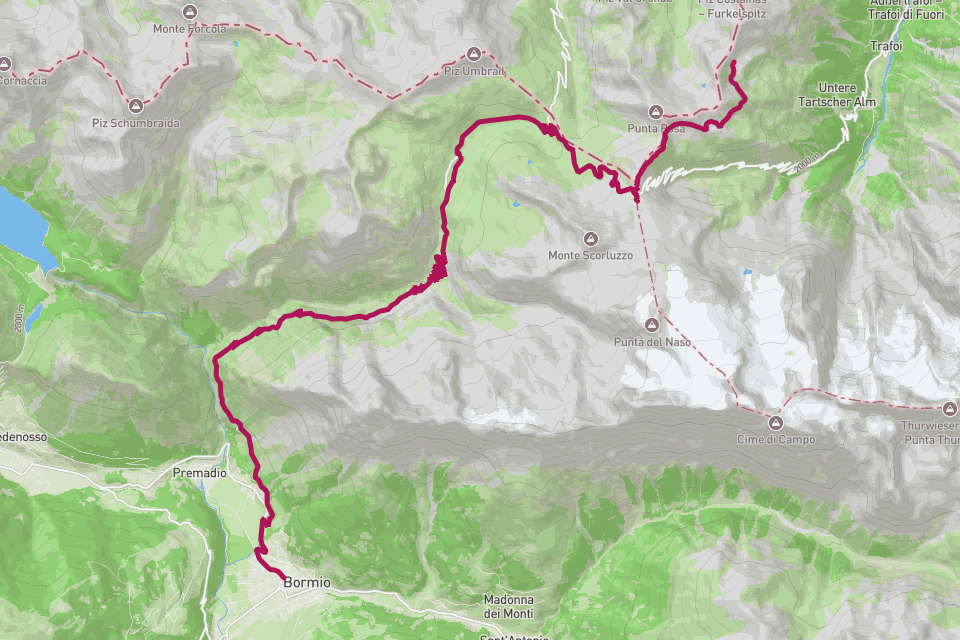
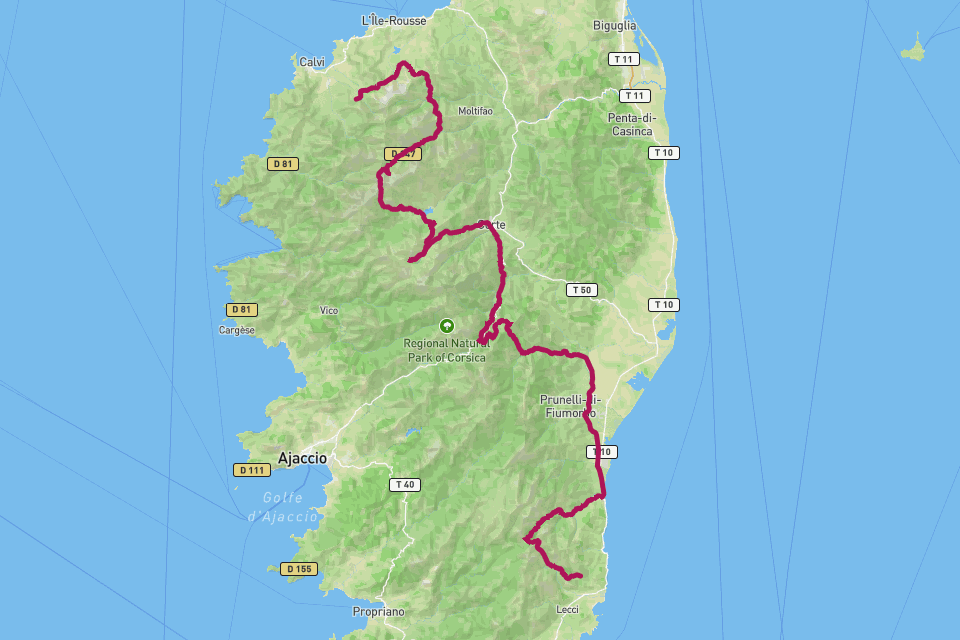
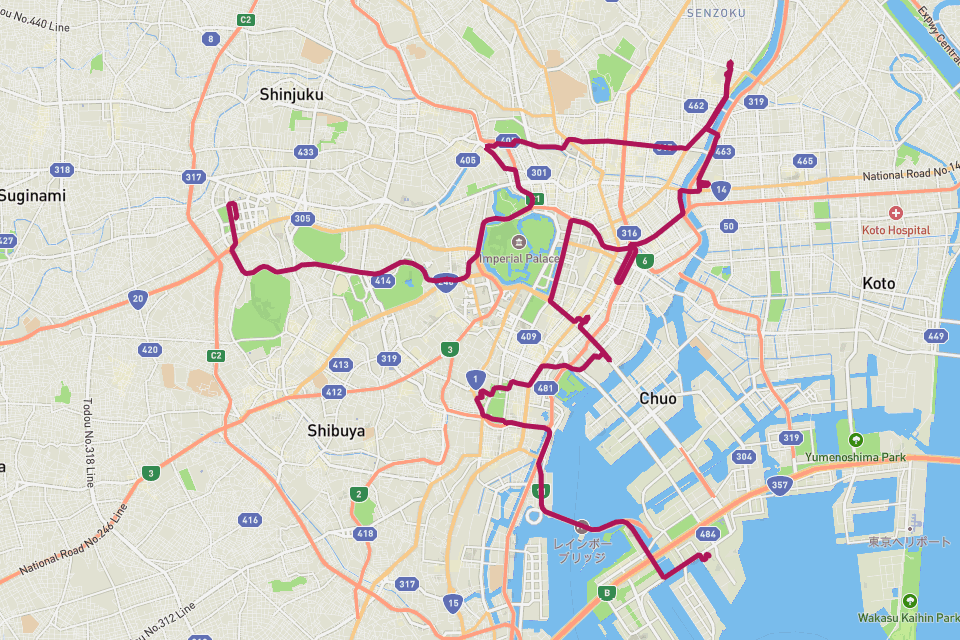
Poster Highway 1 — Big Sur.
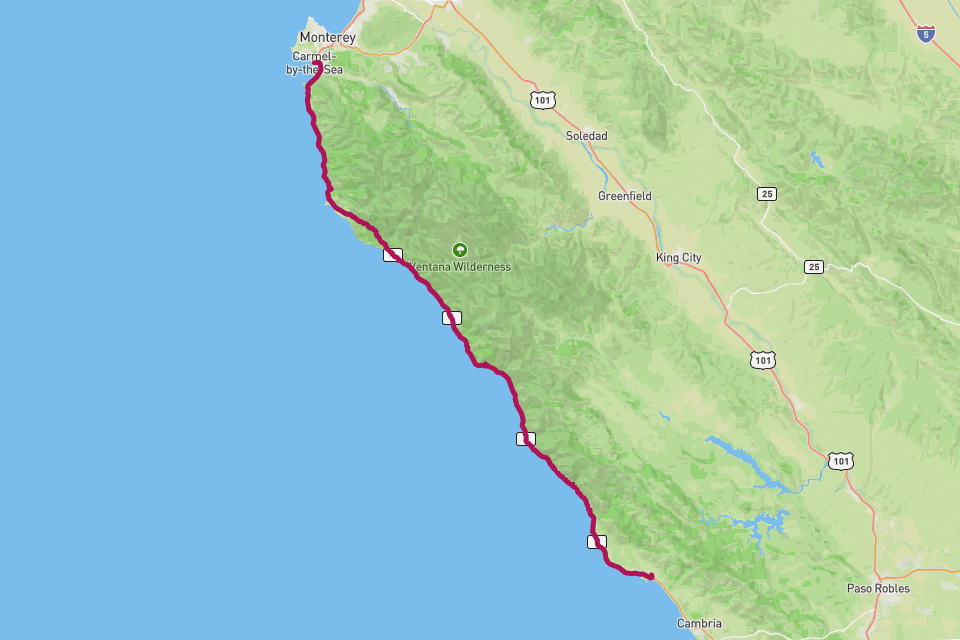
California State Route 1 — la strada sull'oceano a strapiombo attraverso Big Sur.
// La storia
La California State Route 1 — Highway 1 — si insinua sul ciglio della scogliera tra i Santa Lucia Mountains e il Pacifico, e il tratto di Big Sur da San Simeon a Carmel ne è la porzione più cinematografica. Bixby Bridge, McWay Falls, Hearst Castle, le lontre marine tra le alghe e la nebbia che trabocca dal crinale: non è per caso la strada più filmata d'America. RouteToWall trasforma la tua guida GPS in un ampio poster panoramico — la lunga linea orizzontale della costa in un unico riquadro, punti panoramici opzionali e il Pacifico su un lato per tutto il tragitto.
// Come creare questo poster
Quattro passaggi, dal tuo GPS al poster pronto per la stampa.
- Step 01
Importa il tuo percorso
Carica un file GPX, oppure connetti Strava e scegli l'attività. RouteToWall legge anche gli export di Google Maps.
- Step 02
Scegli un template
Minimalista, topografico, panoramico o editoriale — template pensati per strada, trail, città e roadtrip.
- Step 03
Personalizza
Imposta colori, tipografia, titoli e statistiche, e annota valichi, rifugi o punti di riferimento.
- Step 04
Esporta o stampa
Scarica un file ad alta risoluzione, oppure ordina una stampa qualità museo fino al formato A1, consegnata a casa tua.
// Template
Tre template selezionati con cura, pronti per il tuo GPX.
// Domande frequenti
Q.01Miglior orientamento per una strada costiera?
Panoramico. La Highway 1 è lunga e orizzontale — il formato pano 1000 × 400 mm restituisce magnificamente l'intera costa.
Q.02Posso aggiungere il Bixby Bridge come riferimento?
Sì — qualsiasi punto lungo il percorso può diventare un pin di annotazione, Bixby Bridge incluso.